


AI and Future Tech
Free account required
Create a free ClipMeta account to unlock the buyer-search phrases, signal labels, shoot plan, metadata angle, and workflow note for this theme.


Preview the 2026 themes contributors should watch. Create a free ClipMeta account to unlock buyer-search phrases, shoot ideas, metadata angles, and CSV workflow notes.
Use this guide to move from trend idea to upload-ready asset: choose a theme with a clear commercial use case, shoot specific footage buyers can place into real projects, then let ClipMeta translate the clip into titles, descriptions, keywords, and CSV exports. The signals are directional, so validate them against your own access, footage, and marketplace results.
Choose a category with a real buyer use case: ads, explainers, nonprofit campaigns, training videos, news packages, or social content.
Capture authentic footage buyers can place into a project: hands, tools, locations, routines, formats, actions, and clean negative space.
Use ClipMeta to generate titles, descriptions, keywords, and marketplace CSV exports, then refine against your own footage and results.
The public preview shows the themes. Any ClipMeta account, including the Free plan, unlocks buyer-search phrases, demand and supply signals, shoot ideas, metadata angles, watchlist angles, and CSV workflow guidance.
A trend only matters when it becomes a usable clip with a clear search phrase, commercial context, and metadata that connects the footage to a real project.
Create a free ClipMeta account to unlock the buyer-search phrases, signal labels, shoot plan, metadata angle, and workflow note for this theme.
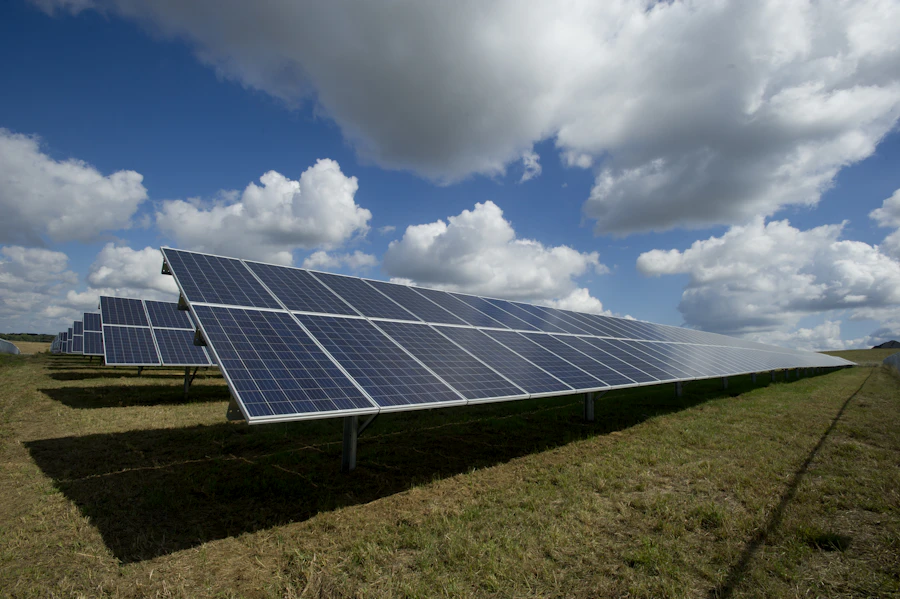
Create a free ClipMeta account to unlock the buyer-search phrases, signal labels, shoot plan, metadata angle, and workflow note for this theme.

Create a free ClipMeta account to unlock the buyer-search phrases, signal labels, shoot plan, metadata angle, and workflow note for this theme.

Create a free ClipMeta account to unlock the buyer-search phrases, signal labels, shoot plan, metadata angle, and workflow note for this theme.
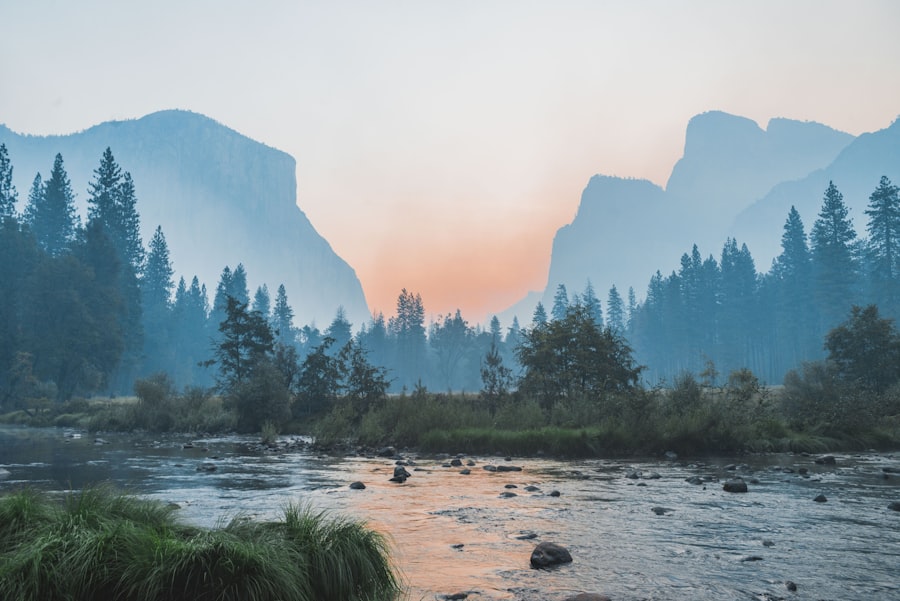
Create a free ClipMeta account to unlock the buyer-search phrases, signal labels, shoot plan, metadata angle, and workflow note for this theme.

Create a free ClipMeta account to unlock the buyer-search phrases, signal labels, shoot plan, metadata angle, and workflow note for this theme.
Contributors often know exactly what they shot. The hard part is describing it the way a buyer searches. Better metadata adds place, mood, use case, format, subject, action, and buyer intent. ClipMeta helps with that translation so each clip can become a stronger title, description, keyword set, and CSV export.
Free ClipMeta members can see the broad-tag rewrites, buyer-ready phrases, and notes that turn a simple description into stronger marketplace language.
Worth monitoring, but not primary recommendations yet. Use these as exploratory shoot ideas when they fit your access, location, gear, or existing footage library.
Free ClipMeta members can see the emerging categories and practical shoot angles to monitor when planning future stock-footage batches.
Use this as a pre-shoot and pre-upload checklist. The goal is not to chase every trend; it is to capture specific footage, describe it in buyer language, and export clean metadata faster.
Free ClipMeta members can use the pre-shoot and pre-upload checklist that connects trend ideas to searchable clips and marketplace CSV exports.
ClipMeta workflow
Create a free account to unlock the trend details, then use ClipMeta to turn each clip into titles, descriptions, keyword sets, and stock-footage marketplace CSV exports.
Create free accountThis guide combines public stock-footage trend reports, contributor resources, and marketplace-facing search patterns into practical themes contributors can use when planning, shooting, and tagging footage. It is reviewed periodically and should be treated as directional planning guidance, not a promise of marketplace performance.
Coming soon
ClipMeta is building toward trend scoring informed by anonymized upload themes, keyword edits, export destinations, and contributor feedback.
Aggregate upload themes
Shows which subjects contributors are preparing in bulk.
Keyword edit patterns
Highlights where metadata gets sharpened before export.
Export destination mix
Shows which marketplaces contributors are preparing for.
Contributor feedback
Keeps future guidance tied to real contributor workflows.
The strongest directional opportunities are specific, buyer-ready clips: AI and technology, sustainability, vertical social b-roll, authentic local culture, wellness, and process-focused footage. The best clips combine a clear subject with searchable commercial concepts.
Yes, when the subject is useful for ads, explainers, creators, social media, or mobile-first marketing. Shoot vertical intentionally instead of simply cropping wide footage later.
Trends change the words buyers type. A clip should include literal descriptors, technical details, format, place, mood, use case, and concept terms so it can match both precise searches and campaign-level ideas.
ClipMeta turns footage into buyer-ready titles, descriptions, keywords, and CSV exports. Use the guide to plan what to shoot, then use ClipMeta to translate the clip into marketplace metadata.
Every ClipMeta account, including the Free plan, unlocks detailed buyer-search phrases, shoot ideas, metadata angles, and batch-planning guidance.